
Partner Icon
Become a Refrens PartnerLearn More

Free Purchase Order Template for Saudi Arabia: Word and Excel, English and Arabic

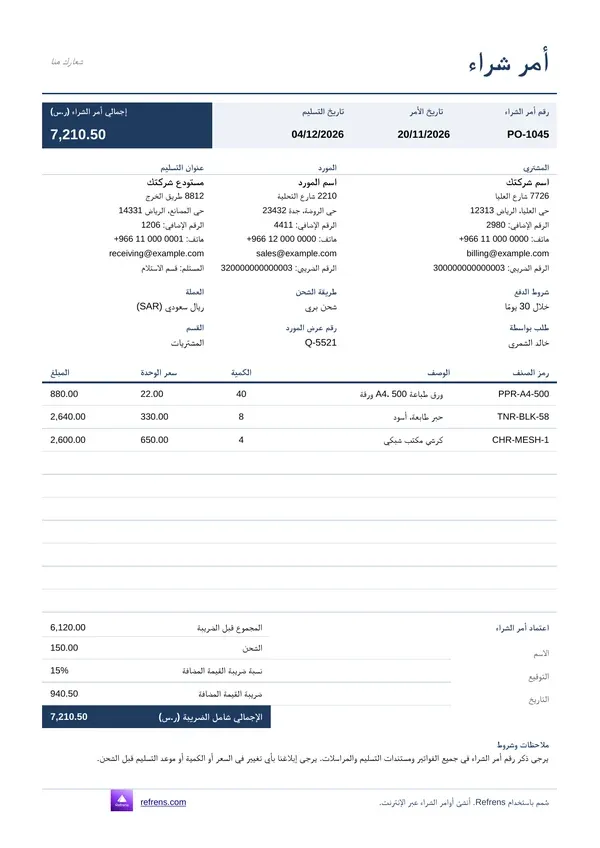
Download a purchase order template in Word or Excel, in English or Arabic. Or make a PO online in SAR and send it to your supplier by email or WhatsApp.

Create Purchase Order Online - Purchase Order Template
Our Users Rate Refrens ⭐ 4.8/5 based on 11700+ Ratings

Download Free Purchase Order Templates in Word and Excel

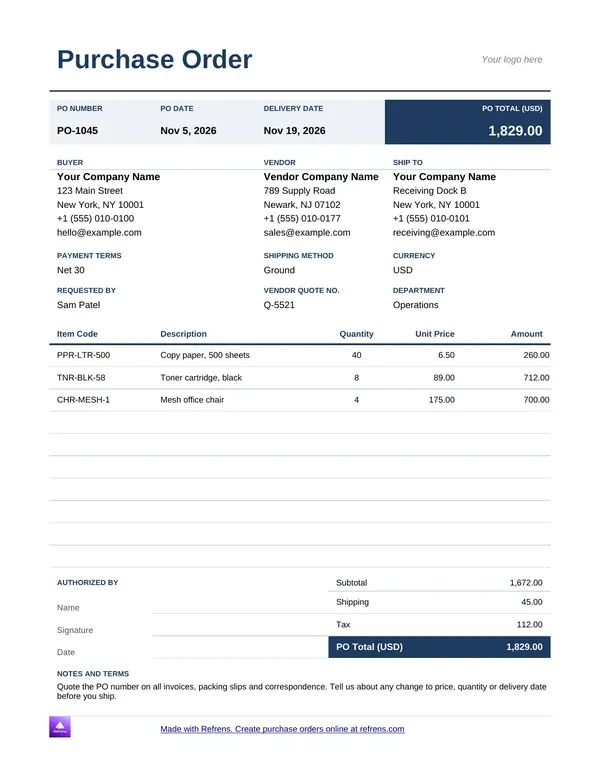
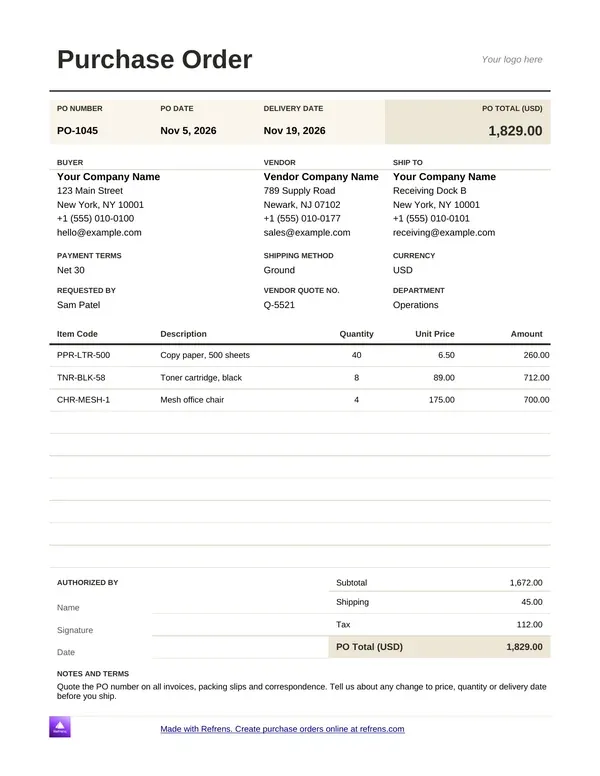
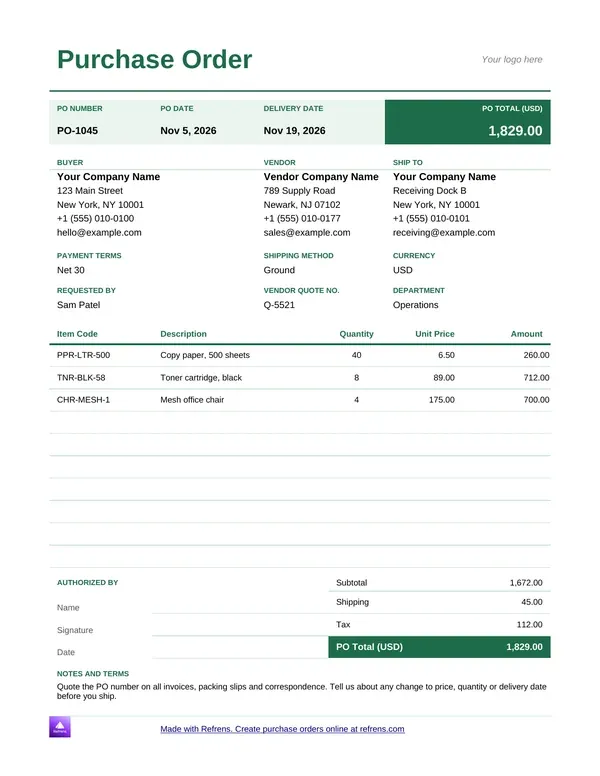
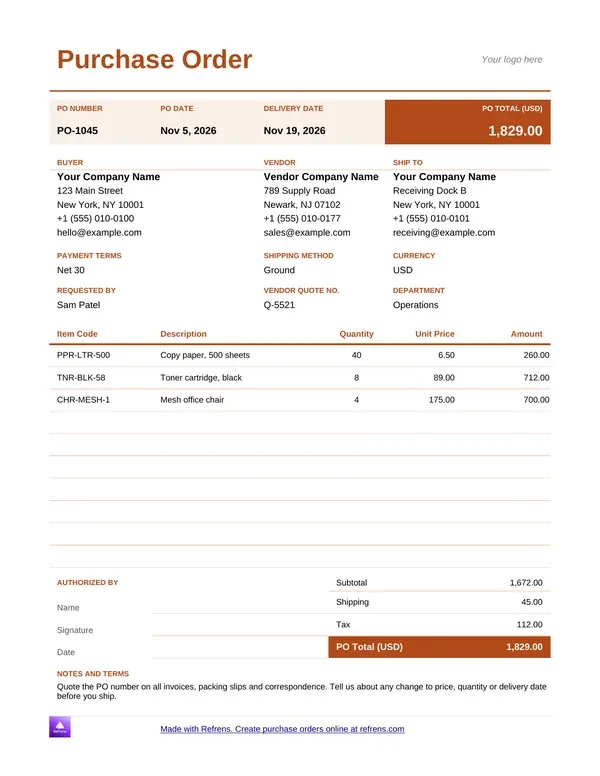
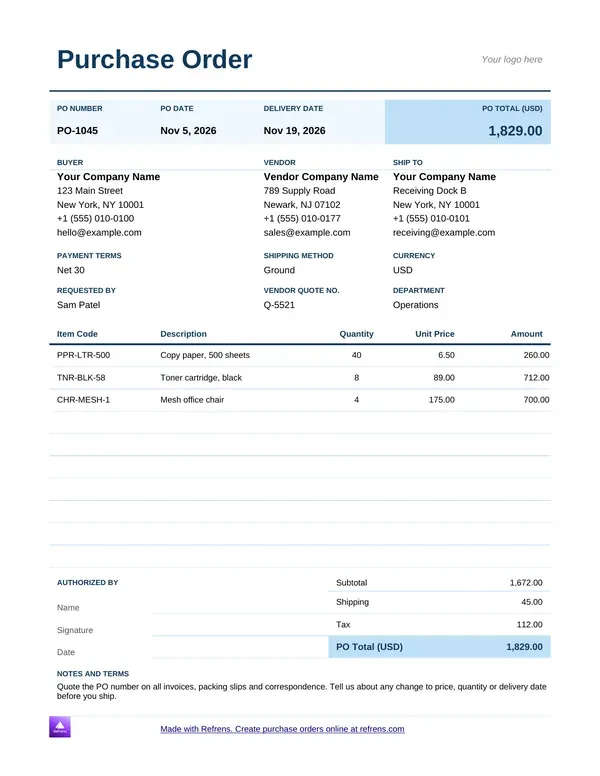
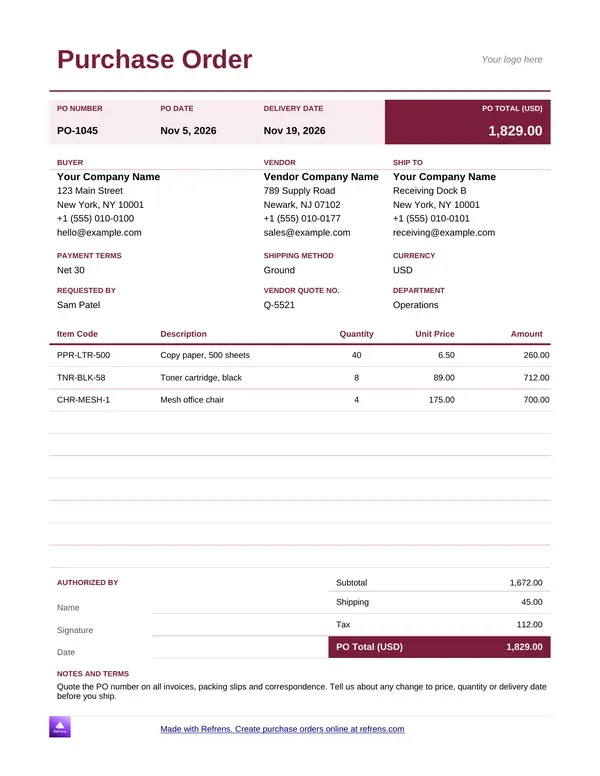
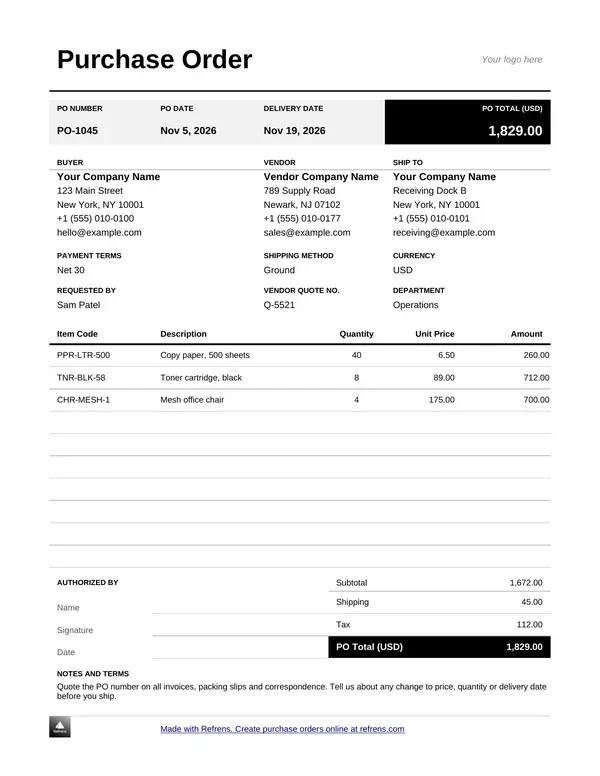
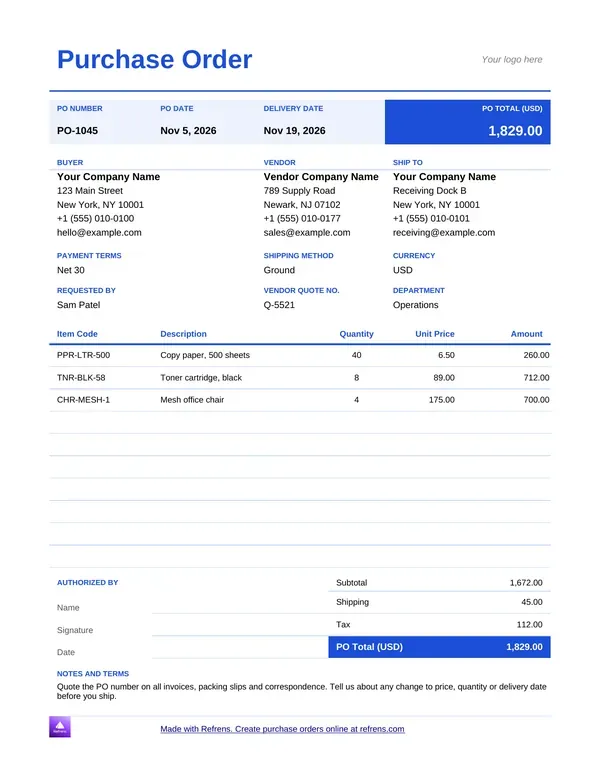
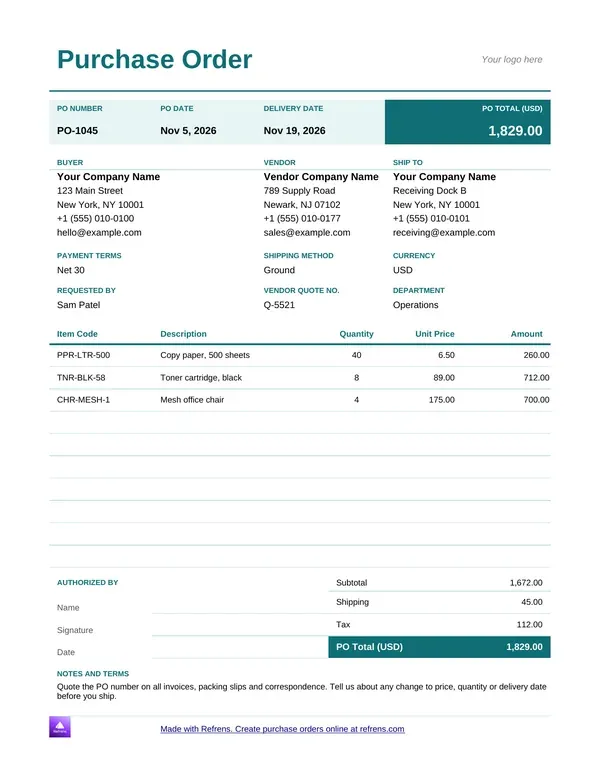
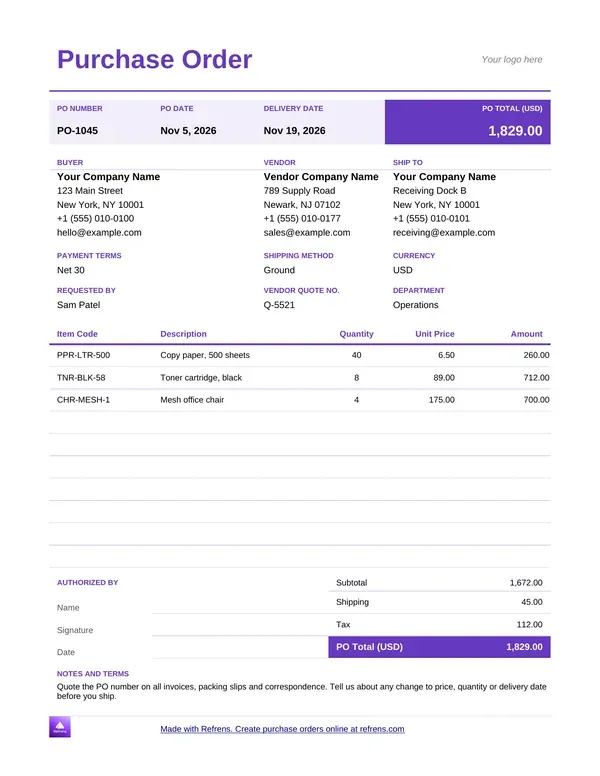
Pick a colour, preview the template, and download it as an editable Word (.docx) or Excel (.xlsx) file.

Create Your Purchase Order Now

1
Purchase Order Details
2
Design & Share (optional)
1
Purchase Order Details
2
Design & Share (optional)

Purchase Order Template - Create Purchase Order Online

A purchase order template gets an order to your supplier in minutes. It fixes the items, prices and delivery date before anything ships. It works while you place a few orders. It stops working when orders, approvers and deliveries multiply. This page gives you Word and Excel files in English and Arabic, a Saudi format, a worked SAR example with 15% VAT, and answers to the tax questions buyers ask.

Which Purchase Order Template Should You Use?

Pick the file that matches how you edit and who reads the order.

  • Word (English): a designed order with room for terms and notes.
  • Excel (English): many lines and live totals.
  • Word or Excel (Arabic): a supplier or a buyer who works in Arabic.
  • Create online: numbering, approvals, status and sharing from one place.

What Is a Purchase Order?

A purchase order is a buyer's written order to a supplier. It lists the items, quantities, prices and delivery terms the buyer agrees to pay for. A purchase order is not a tax invoice.

Quotation, Purchase Order, Delivery Note and Tax Invoice

Four documents run in a fixed order, and each side issues different ones.

  • Quotation: the supplier offers a price. Suppliers can start from the quotation template or the quotation generator.
  • Purchase order: you accept the offer, or change it, in writing.
  • Delivery note: the supplier lists what it shipped.
  • Tax invoice: the supplier bills you and charges the VAT.

You issue the purchase order. The supplier issues the other three.

Purchase Order Format for Saudi Arabia: What to Include

The VAT rules set a layout for tax invoices, not for purchase orders, so these fields are good practice. Each one carries the mistake it prevents.

  • Buyer details: name, address, contact, CR number, and VAT number if you are registered. Give the supplier your VAT number so its tax invoice can carry it.
  • Supplier details: name, address and VAT number. Check the VAT number against the supplier's earlier invoices before you send.
  • PO number and date: your own series. If you copy a file and keep the number, two orders share one number and the supplier's invoice matches the wrong one.
  • Quotation reference: the supplier's quote number and date. It shows which offer you accepted.
  • Items: code, description, quantity, unit and unit price in SAR. A missing unit turns "10 boxes" into "10 pieces" at the supplier's warehouse.
  • Discount: the agreed discount, shown as an amount or a percentage.
  • Expected VAT at 15%: show it as an estimate. The supplier's tax invoice states the final VAT. Say whether your prices are before or after VAT.
  • Total in SAR: the subtotal, less the discount, plus the expected VAT.
  • Delivery address and date: a PO with no date gives you nothing to point to when the delivery is late.
  • Payment terms: the number of days and the method. Copy them from the quotation.
  • Approver and signature: the name of the person who approved the order.
  • Language: leave space for Arabic or bilingual text, or use the Arabic files below.

Your PO number does one job at matching. It ties the supplier's tax invoice to your order. Ask the supplier to print it on the invoice.

Purchase Order Template in Word and Excel

Word and Excel cover most Saudi buyers, and the choice comes down to how many lines you order.

Purchase Order Format in Word

A Word purchase order suits a short order with long terms. Word does not calculate totals unless you build the formula, so check the arithmetic by hand. Send the order as a PDF so the supplier cannot edit it.

Purchase Order Format in Excel

An Excel purchase order suits many lines. Build four formulas and the totals update as you type. In a sheet with quantity in column C and unit price in column D:

  • Line total, E2: =C2*D2
  • Subtotal, E21: =SUM(E2:E20)
  • Expected VAT, E23: =ROUND((E21-E22)*0.15,2), where E22 holds the discount in SAR
  • Total, E24: =E21-E22+E23

Lock the formula cells. Save one file per PO and name it with the PO number. Change the PO number before you reuse a file.

Arabic Purchase Order Template (نموذج أمر شراء) in Word and Excel

The Arabic Word and Excel templates serve buyers and suppliers who work in Arabic. Download the Arabic Word file for a text-heavy order. Download the Arabic Excel file for many lines.

Agree the language of the order with your supplier. Use Arabic when your supplier works in Arabic, and keep the item names identical to the quotation. Your supplier can also issue its Arabic tax invoice with a QR code from إنشاء فاتورة برمز QR, the Arabic invoice generator.

How to Make a PO (Purchase Order) Step by Step

You make a PO in five steps: get a quotation, check it, fill in the format, get approval, and send it.

  1. Get the supplier's quotation. Note the quote number, the price and the validity date.
  2. Check it. Compare price, quantity, units and terms with what you need.
  3. Fill in the format. Use your own PO number and the fields above.
  4. Get approval. One approver signs a file. Several approvers with amount limits need a system.
  5. Send and keep. Check the supplier's VAT number, the quantities and the delivery date first. Send the PO by email or WhatsApp. Keep a copy with the quotation.

Purchase Order Generator vs Template

A template is a file you fill in. A purchase order generator numbers the order, saves it and shares it for you. Use a template for one-off orders. Use a generator when you place orders every week.

Sample Purchase Order With 15% VAT

A fit-out contractor in Dammam orders SAR 16,230 of electrical items, and a SAR 3 price change on one line shows why the PO matters. This example is illustrative. It is not a real customer.

The purchase order:

  • Distribution boards: 6 × SAR 1,450 = SAR 8,700
  • Circuit breakers: 40 × SAR 62 = SAR 2,480
  • Cable drums: 5 × SAR 940 = SAR 4,700
  • Delivery: 1 × SAR 350 = SAR 350
  • Subtotal: SAR 16,230
  • Expected VAT at 15%: SAR 2,434.50
  • Expected total: SAR 18,664.50

The supplier delivers in two parts. The first delivery holds the boards, the breakers and the delivery charge. The cable drums come later.

The first invoice should read SAR 8,700 + SAR 2,480 + SAR 350 = SAR 11,530. VAT at 15% is SAR 1,729.50. The total is SAR 13,259.50.

The supplier's first tax invoice bills the breakers at SAR 65, not SAR 62. That line becomes SAR 2,600. The invoice subtotal is SAR 11,650. VAT is SAR 1,747.50. The total is SAR 13,397.50. The invoice is SAR 120 higher before VAT, SAR 18 higher in VAT and SAR 138 higher in total. You catch the change because the PO sits next to the invoice.

The second delivery is 5 cable drums at SAR 940, which is SAR 4,700. VAT is SAR 705. The total is SAR 5,405. The two correct invoices add up to SAR 13,259.50 + SAR 5,405 = SAR 18,664.50. That equals the PO total.

Purchase Order Types for Saudi Businesses

Most Saudi buyers use one of five order types, and each type needs different fields.

Goods Purchase Order

A goods PO suits trading, wholesale and distribution. Focus on item codes, units, quantities and delivery dates.

Service Purchase Order

A service PO suits consultants, agencies and KIBS firms. Replace items with a scope, a rate and milestones.

Contractor and Subcontract Purchase Order

A contractor PO lists the item or phase, the quantity, the rate, what the order leaves out, and the site for delivery. Add the milestone that triggers each payment.

Blanket Purchase Order

A blanket PO covers one agreed supply over a period, with separate releases. It fits repeat orders from the same supplier at an agreed price.

Simple Purchase Order and LPO

A simple PO is a one-page order for a small purchase. Buyers in the Gulf also call it a local purchase order, or LPO.

A Purchase Order, VAT and ZATCA: What Changes for the Buyer

A purchase order is not a tax invoice, and it does not support an input VAT claim. Three points follow.

  • The supplier's tax invoice is the VAT document. You claim input VAT with it, not with your PO.
  • Ask the supplier to print your PO number on its invoice. It lets you match the invoice to the order.
  • Ask for a tax invoice when you pay a deposit. The supplier issues it within 15 days after the end of the month in which it received the money.

ZATCA e-invoicing applies to the invoices you issue as a seller. Refrens supports ZATCA Phase 1 and Phase 2 for those invoices. See e-invoicing software in Saudi Arabia for how it works.

ZATCA announced Wave 25 on 24 Jul 2026. It targets taxpayers whose VAT-subject revenue passed SAR 187,500 in any year from 2022 to 2025. Integration is due by 1 Feb 2027, after ZATCA notifies the taxpayer.

When a Purchase Order Template Is the Right Choice

A template is the right choice when you place few orders and one person approves them.

  • You place a few orders a month.
  • The purchase is a one-off or a small, low-risk item.
  • You are starting out and buy from a few suppliers.
  • A supplier or client asks for a specific layout, or you need a hand-edited order with terms your lawyer drafted.
  • You need a quick draft before you set up a system.
  • You are not VAT registered, so you have no input VAT to match.

When a Template Stops Being Enough

A template stops being enough when more people, deliveries or currencies touch the same order.

  • Several people raise POs, and numbers or limits drift.
  • You need to know who approved what, and against which amount.
  • Deliveries arrive in parts, and one PO backs several supplier invoices.
  • You are VAT registered and check every supplier tax invoice before you pay.
  • You buy from foreign suppliers, with several currencies, and with goods and services that need separate treatment.
  • Service or contractor POs need milestones and progress against the order.
  • Your suppliers send ZATCA Phase 2 e-invoices, and a stable PO reference helps you match them to your orders. This is good practice, not a rule.

What Happens When the Supplier Delivers and Invoices

After delivery, you check three documents against your PO: the delivery note, the supplier's tax invoice, and the PO. Use the delivery note template to record what arrived. Sellers who must issue the tax invoice can use the invoice maker.

Then you record the supplier's invoice as a purchase bill. There are three paths:

  • Your system imports the PO. You import it, map the fields and check the lines.
  • Your system cannot import it. You create the bill from scratch and type the supplier, items, quantities and prices again.
  • You made the PO in the system. The bill starts from the PO.

The retyping happens with any tool that keeps the PO outside your accounting system. In the example above, the first invoice has three lines. You type all three, plus the supplier, the date and the PO number, and then you compare them with a PO in another file.

Make a Purchase Order Online

You make a purchase order online by filling in the form, signing up and getting your PO. Your first 15 documents are free.

The online form covers what a file cannot:

  • A VAT line, your VAT number and the supplier's, and your CR number.
  • A delivery date on the order.
  • Arabic output.
  • Multi-stage approvals with amount limits.
  • Sharing by email or WhatsApp.
  • Statuses on the dashboard: created, sent, seen, unpaid, paid, overdue and part paid.
  • Duplicate a PO in one click.
  • Your logo, signature, custom fields and attachments, in several currencies.

A PO made in Refrens converts into a purchase bill. You compare lines instead of typing them. Keep your purchase bills, input VAT and records in one place with cloud accounting software in KSA. Issue your own tax invoices with free invoicing software. If you also sell, free quoting software turns your quotes into orders.

Button: Create purchase order online

Tax and Legal Questions About Purchase Orders in Saudi Arabia

These answers give general information. They are not tax or legal advice. Ask your tax adviser or lawyer before you rely on them.

Is a purchase order a tax invoice in Saudi Arabia?

No. A purchase order is the buyer's order. The tax invoice comes from the supplier and carries the VAT. ZATCA defines the tax invoice and the simplified tax invoice as the VAT documents.

Can I claim input VAT with only a purchase order?

No. A VAT-registered buyer claims input VAT with the supplier's tax invoice or a customs document. A purchase order is neither.

Should a purchase order show VAT?

It can show the expected VAT at 15% as an estimate. The supplier's tax invoice states the final VAT. Show prices before VAT and add a VAT line, or state that prices include VAT.

Does a purchase order need a ZATCA QR code or e-invoicing?

No. A purchase order is not a tax invoice, so it carries no ZATCA QR code and needs no clearance. The tax invoices you issue as a seller do.

Is a purchase order legally binding in Saudi Arabia?

It can be. A supplier's quotation is an offer. A PO that matches it works as an acceptance, and the contract forms. A PO that changes the price, quantity or terms is a new offer, and the supplier's confirmation completes the contract. Silence is not acceptance. The Civil Transactions Law sets the rules on offer and acceptance in Articles 31, 36 and 37. Ask a lawyer how they apply to your order.

Can I cancel or change a purchase order after I send it?

Before the supplier accepts, you can withdraw it. If the order sets no period, notify the supplier. Otherwise you may owe compensation, excluding lost profit. After the supplier accepts, you change or cancel the order by agreement, unless the law allows otherwise. Ask a lawyer about your order.

Must the supplier issue an invoice when I pay a deposit on a purchase order?

Yes. A supplier issues a tax invoice for an advance within 15 days after the end of the month in which it received the money. Ask for it. You need it for your input VAT.

Should my purchase order number appear on the supplier's invoice?

Yes. Ask the supplier to include it, because it lets you match the invoice to the order. ZATCA's sample tax invoices show a purchase order number among their other information.

What if I buy from a supplier outside Saudi Arabia?

Different VAT rules apply. Imported goods carry 15% import VAT, which the importer pays at customs. Services from a supplier outside the Kingdom fall under the reverse charge. Withholding tax can apply, and the rate depends on the payment type. List goods and services on separate PO lines.

Do I have to keep purchase orders, and for how long?

No Saudi rule requires you to number or keep purchase orders as such. Invoices, books and records must be kept for at least six years from the end of the related tax period. Keep each PO with the matching supplier invoice.

Frequently Asked Questions

Which purchase order template should I use, Word or Excel?

Use Excel when your order has many lines and you want the totals to calculate. Use Word when your order is short and the terms are long. Both come in English and Arabic.

Are the purchase order templates free?

Yes. The Word and Excel templates are free to download. If you make a PO online, your first 15 documents are free. After that, you move to a paid plan.

Can I edit a purchase order template after I download it?

Yes. Edit the Word and Excel files in Word or Excel. Lock the formula cells in Excel, and send the order to your supplier as a PDF.

Can I make a purchase order in Arabic?

Yes. Download the Arabic Word or Excel template, or make the PO online with Arabic output. Agree the language with your supplier and keep item names identical to the quotation.

How do I number a purchase order?

Use your own series, such as PO-2026-0001, and never reuse a number. Saudi VAT rules require sequential numbers on tax invoices, not on purchase orders, so the series is your control. Give each order one number and print it on the supplier's invoice.

What is the difference between a purchase order and a quotation?

A quotation is the supplier's offer. A purchase order is your written order that accepts the offer or changes it. The quotation comes first.

How do I send a purchase order to a supplier?

Send the PO as a PDF by email or WhatsApp, and keep a copy with the quotation. In Refrens, you share the PO by email or WhatsApp and see when the supplier has seen it.

What is the difference between a purchase order template and a purchase order generator?

A template is a file you fill in and number yourself. A generator numbers the order, saves it, shares it and tracks its status.

Is my data safe with Refrens?

Yes. Refrens stores your data with encryption and cloud protection. We are ISO/IEC 27001:2022 certified. Your data stays private.

Start With the Right Purchase Order Template

Pick the purchase order template that fits your next order. When orders, approvers and deliveries multiply, make the PO online instead. See what else Refrens offers Saudi businesses at Refrens Saudi Arabia.


Made with and in Bengaluru.

Refrens Internet Pvt. Ltd. | All Rights Reserved
This site is protected by reCAPTCHA and the Google Privacy Policy and Terms of Service apply.
Refrens ISO Certificate